In order to play this mod with the best QoL, you have to download the D2RLAN. D2RLAN
contains various useful QoL options, including but not limited to 400+ possible
stash tabs, hotkeys for transmute and identify all items, playing with other people
and many other QoLs.
After you downloaded D2RLAN, follow those steps:
-
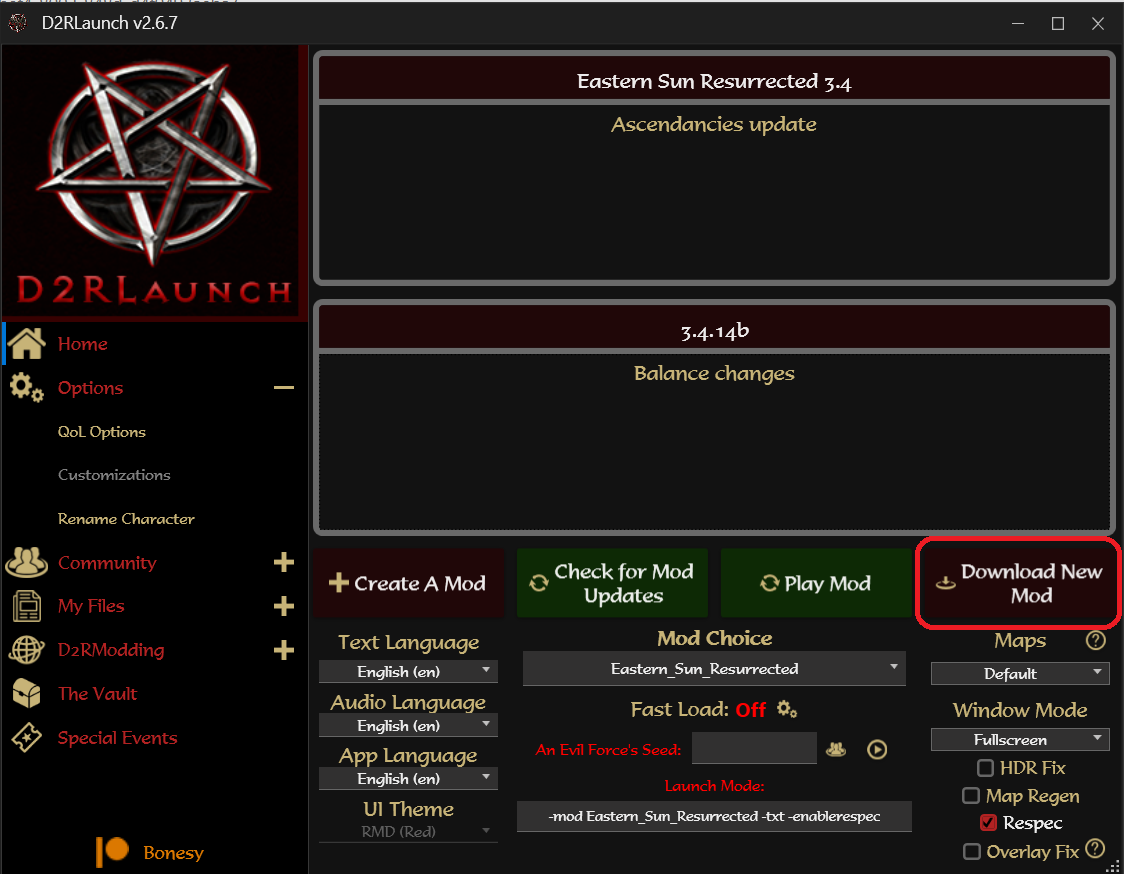
Click "Download New Mod".
-
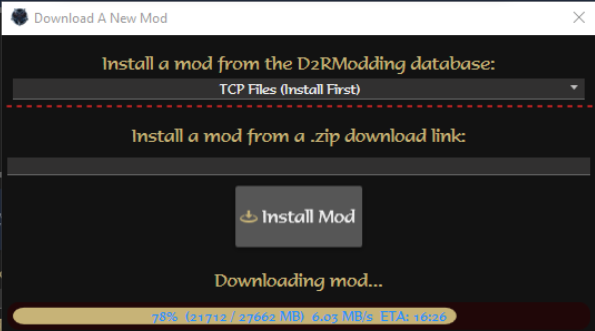
Next, you will have to install the TCP Files (Install First) from the
dropdown. Those files are needed because the mod is running on an older
version of d2r (2.4) in order to make multiplayer play possible. The files
are ~20GB so it might take a while.
-
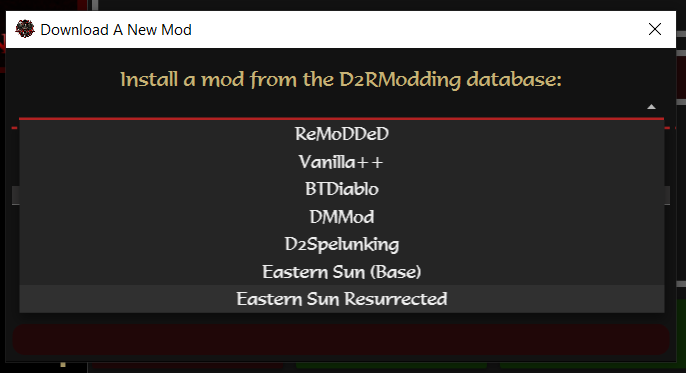
After finishing downloading the TCP files, you can now click "Eastern Sun
Resurrected" in the dropdown and press "Install Mod".
Wait until the mod gets downloaded.
-
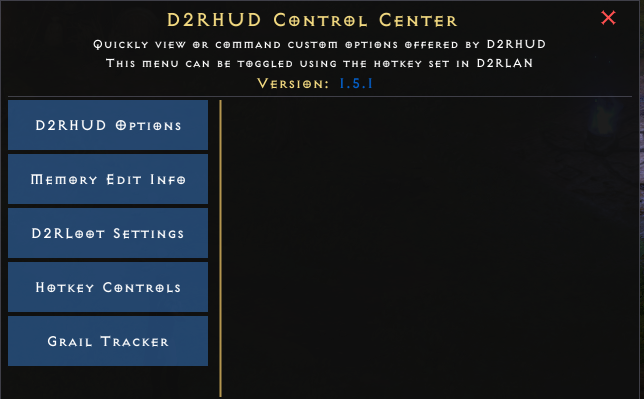
To unlock important QoL options, you can press F12 while in game and a list
of QoL options will show up, including setting hotkeys for transmute, mass
identify etc.
At the time of writing this, the grail tracker is not yet compatible and
clicking it might freeze and crash your game.
|